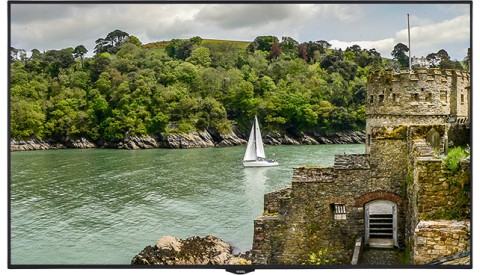
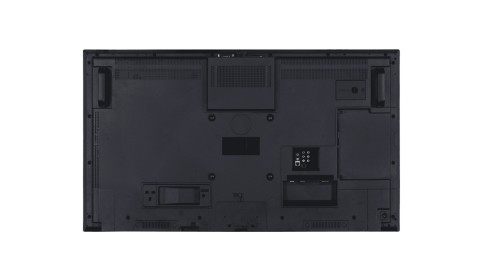
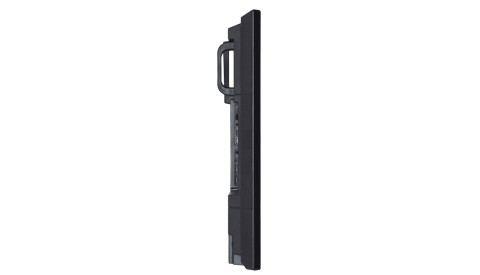
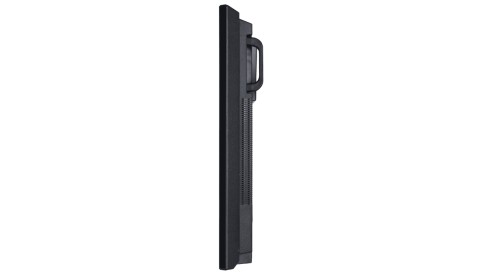
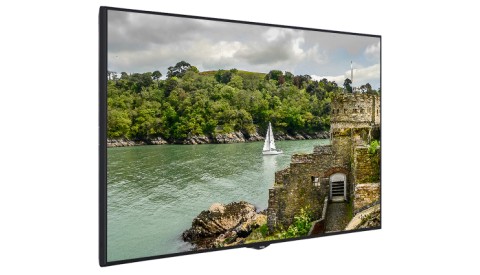
Display
Screen Size
49"
Panel Technology
IPS
Backlight Type
Direct-Type LED
Brightness (typical)
700 cd/m²
Native Resolution
1920 x 1080 (16:9) - FHD
Contrast Ratio (typical)
1000:1
Dynamic Contrast Ratio
70000:1
Panel Life Time ( Min. )
50000 Hrs
Response Time (typical)
6 ms
Active Area (H x V)
1074 x 605 mm
Pixel Pitch (H x V)
0.5593 x 0.5593 mm
PPI (pixel per inch)
45
Viewing Angle
178° Vert., 178° Hor. (89U/89D/89L/89R) @ CR>10
Color Value
16.7 M (8-bit)
Screen Treatment
3H
Haze Level
1%
Refresh Rate
60 Hz
Front Type
Ultra Narrow Bezel
Orientation
Horizontal / Vertical
Operation Hours
24/7
Area of Usage
Indoor
Built-in System
Mainboard Model
17MB135VS
Rear I/Os
RGB Input
VGA(DE-15F)
RGB Output
N/A
Video Input
4xHDMI2.0, 2xUSB2.0, USB2.0(Internal)
Video Output
HDMI2.0
Audio Input
Line In L/R
Audio Output
Headphone, Optic SPDIF
External Control
RS232(DE-9F), Ethernet(RJ45), Service(RJ12)
External Sensor
RJ12
Mechanical
Product Dimensions (WxDxH)
1102 x 104 x 635mm
Package Dimensions (WxDxH)
1215 x 165 x 775mm
Product Weight
12.80 kg
Package Weight
16.80 kg
Vesa Mounting
200 x 200 mm M6
Bezel Width
B:15 | T:11 | L/R:11 mm
Environmental Conditions
Operating Temperature
0-40°C
Operating Humidity
10-90%
Power
Power Supply
110 VAC - 240 VAC - 50/60 Hz
Power Consumption
Typical
95 W
Deep Standby
≤0.5 W
Features
Main Features
Open Content Management Support, Scheduler, USB-Autoplay, Auto-Launch, HDMI-CEC, HDMI-Wakeup, Auto-switch on Failover, Panel Lock
Mechanical Features
Joystick, IR Extender Support, Rocker Switch, Detachable power cable, Carrying slots, Detachable logo positioning, Internal usb cover, Cable Holder
Optional Features
OPS Compliance, IR Overlay Touch Compliance
Speaker
2 x 8 W
Accessory
Standard
QSG, IB, Power Cord, Remote Control, RC Battery, Mounting Kit, Extension Brackets, IR Extender Cable
Certification
Safety
YES
EMC
YES
CE
YES